Home Row Finger Placement, Key by Key
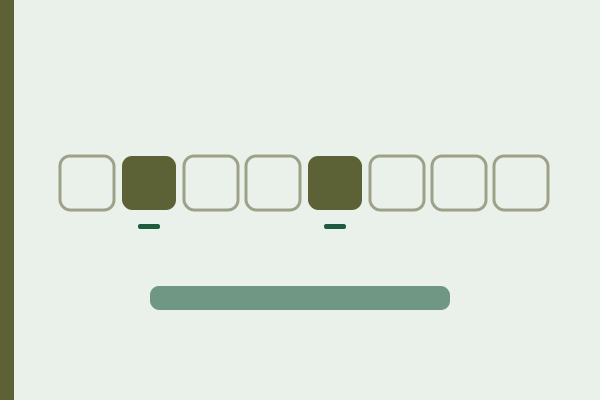
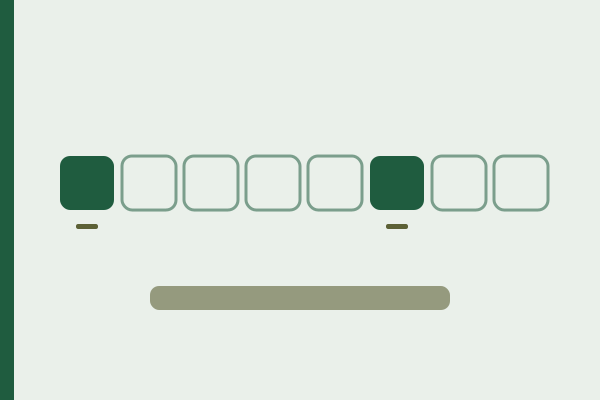
Two keys on every standard keyboard carry a small bump or ridge you can feel without looking, F and J, and their only purpose is to let eight fingers find the other 26 letters by touch. Put your index fingers on those two bumps and every other key on the board has a defined owner, which is the entire idea behind touch typing.
Where do the hands rest?
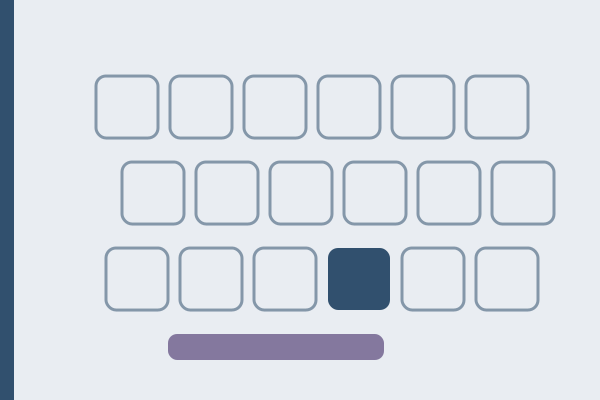
Left hand on A S D F, right hand on J K L and the semicolon. Fingers curved, so the tips land on the keys rather than the pads. Wrists straight and slightly raised, not pressed into the desk. Thumbs resting lightly over the space bar without holding it down.
That is the position every reach starts from and returns to. The return matters more than the reach, because a hand that stays where it landed has lost its reference and the next letter becomes a guess.
Which finger owns which key?
Each finger owns a diagonal column running up and down from its home key. The two index fingers own two columns each, which is why they do the most work.
| Finger | Home key | Row above | Row below | Digit |
|---|---|---|---|---|
| Left little | A | Q | Z | 1 |
| Left ring | S | W | X | 2 |
| Left middle | D | E | C | 3 |
| Left index | F and G | R and T | V and B | 4 and 5 |
| Right index | J and H | U and Y | M and N | 7 and 6 |
| Right middle | K | I | comma | 8 |
| Right ring | L | O | period | 9 |
| Right little | semicolon | P | slash | 0 |
| Thumbs | space bar | nothing | nothing | nothing |
The left little finger also carries left Shift, Tab and Caps Lock; the right little finger carries the apostrophe, Enter and right Shift, along with everything else on the right edge. Those two columns are the busiest on the board and belong to the weakest fingers, which is why errors cluster there.
Capitals use the Shift key on the hand that is not typing the letter. A capital A takes the right Shift and a capital P takes the left, so the reach and the letter never land on the same hand.
What do the bumps on F and J do, and what if yours are missing?
The bumps are the only feedback the keyboard gives you about hand position. Reset to them whenever you lose your place, including every time you come back from the mouse.
Some keyboards use a raised bar instead of a dot, some laptops use a ridge easier to feel than to see, and a few boards have none at all. If yours has none, a dot of dried glue or a slice of a sticker on each key restores the reference in a minute.
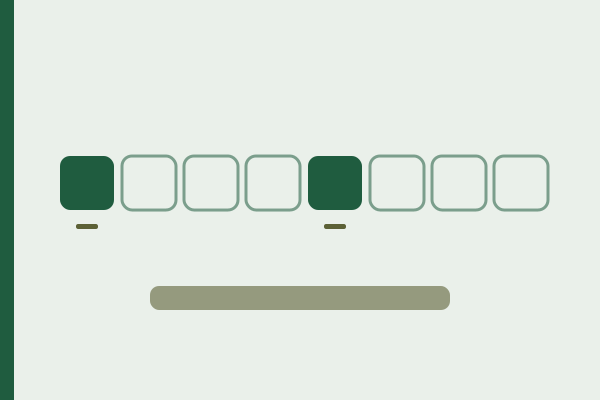
The numeric keypad has its own reference: the digit 5 usually carries a bump too, with the index, middle and ring fingers of the right hand on 4, 5 and 6.
Which posture faults undo the finger map?
Sitting too high is the most common. It bends the wrists upwards and makes the little fingers reach around the hand rather than through it. Lower the chair or raise the keyboard until your forearms are roughly level.
Resting the wrists on the desk while typing anchors the hands, so every reach comes from the finger stretching instead of the hand shifting slightly. Rest between passages, not during them.
Anchoring the right hand on the arrow keys or the mouse is the third fault, and it costs the right little finger its reference. So does typing with the elbows tucked back behind the body, which pulls the wrists inwards.
Two more are easy to spot in your own results. Using one Shift for everything shows up as capitals that arrive slightly late. Hitting Enter with the ring finger instead of the little finger shows up as a missing letter at the end of a line. Both appear in the seven typing mistakes with the same explanation.
How do you check the map instead of trusting it?
Our keyboard test highlights the physical key each press comes from, which makes it easy to confirm that the finger you intended is the finger that fired. It also shows whether a key that feels unreliable is actually missing presses. The wider method these assignments belong to is set out in learn touch typing, and the schedule for building them is in the 30 day plan.
When the position feels settled, Beatrix Potter’s old mouse carrying peas and beans is the gentlest place to start: 269 characters from The Tale of Peter Rabbit, which Frederick Warne published in 1902, in four short sentences of everyday words. Jane Austen’s walk down to the sea at Lyme, from Persuasion in 1818, adds 260 characters of plain sentences that keep your hands close to the home row. Walt Whitman’s There was a child went forth every day stood untitled in the first Leaves of Grass in 1855, and its 225 characters repeat their phrases, so you can watch your fingers return between reaches without hurrying. All three are waiting in the typing test, each with its author, year and source on its own page.
Who this map is for, and where to start
Yes, work through it if you are learning from scratch, if you type with two to four fingers and want to stop looking down, or if your errors cluster on one side of the board. The map is the part of touch typing that cannot be worked out by feel.
No, do not rebuild your grip if you already touch type at a steady pace with one harmless deviation, such as taking the B with the wrong index finger. A single stable exception costs almost nothing; unpicking it costs weeks.
Where to start: one week on the home row alone, returning to the bumps after every letter, with no clock running. The return is the skill; the reach takes care of itself. The wider method is in learn touch typing and the schedule in the 30 day plan.
When the finger map is not your problem
- When the chair is too high. Bent wrists make the little fingers reach around the hand rather than through it, and no amount of practice compensates. Lower the chair or raise the keyboard until the forearms are roughly level.
- When the wrists rest on the desk while you type. That anchors the hands, so every reach comes from stretching a finger instead of the hand shifting slightly. Rest between passages, not during them.
- When the keyboard has no bumps at all. Without the reference the hands sort themselves by looking. A dot of dried glue or a slice of a sticker on F and J restores it in a minute.
- When one key is missing presses. That reads as your error in every statistic. The keyboard test separates a weak finger from a weak switch in half a minute.
FAQ
Which fingers go on the home row?
Left hand on A, S, D and F; right hand on J, K, L and the semicolon. Index fingers land on the two bumps, fingers curved so the tips meet the keys, wrists straight and slightly raised, thumbs resting over the space bar without pressing it.
Why do F and J have bumps?
They are the only feedback a keyboard gives about hand position, so eight fingers can find 26 letters without looking. Reset to them whenever you lose your place, including every time you come back from the mouse. The numeric keypad has its own reference on the digit 5.
Which finger presses the space bar?
A thumb, and the same one every time. Whether it is the left or the right matters far less than the consistency; alternating gives every word a small search of its own. The thumbs do nothing else on the board.
Which Shift do I use for capitals?
The one on the hand that is not typing the letter. A capital A takes the right Shift, a capital P takes the left. Using one Shift for everything pulls a hand out of position, and it shows up in results as capitals arriving slightly late.
What if my keyboard has no bumps on F and J?
Add your own. A dot of dried glue, a slice of a sticker or a small adhesive marker on each key restores the reference. Some boards use a raised bar instead of a dot and some laptops use a ridge that is easier to feel than to see, so check by touch before deciding they are missing.