What Are Dead Keys, and How to Type ê, ñ and ü
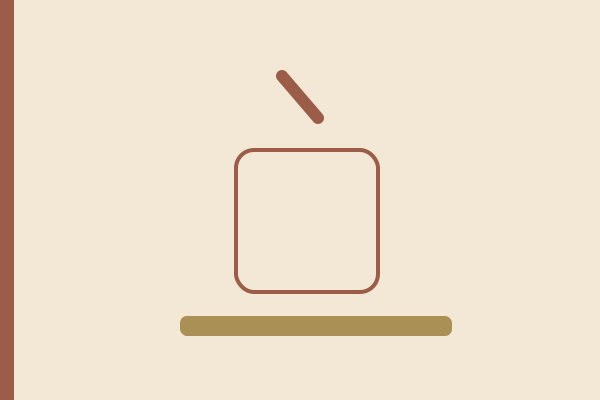
Press the key immediately to the right of P on a French AZERTY keyboard and nothing appears. Press e straight after it and you get ê. Nothing is broken: that first key is a dead key, it carries an accent instead of a letter, and it waits for the next keystroke to decide where the accent lands. Of the six layouts our tester draws, five use dead keys and only the plain United States layout uses none.
What is a dead key?
A dead key produces no character by itself. It arms a diacritical mark, holds it, and combines it with whatever you press next, so the accented letter appears as one character rather than two. The behavior is deliberate and defined outside any single operating system: browsers report the character value of such a press as the word Dead, listed in the W3C key values for keyboard events.
Two follow-up cases matter for diagnosis. Press the space bar after a dead key and the bare mark appears on its own, so the circumflex key then space prints ^. Press a letter with no accented form and most layouts print both characters, so ^ then s gives ^s.
How do you type ê, ñ, ü and é?
Each row gives one target character, the exact sequence, and the layout it belongs to. Press the keys one after another and never hold the first one down. Shift changes only the letter case: the key right of P then e gives ê, the same key then Shift and E gives Ê.
| Character | Key sequence | Layout |
|---|---|---|
| ê | key right of P, then e | AZERTY (FR) |
| Ê | key right of P, then Shift and E | AZERTY (FR) |
| ë | Shift and the key right of P, then e | AZERTY (FR) |
| ñ | AltGr and 2, then n | AZERTY (FR) |
| ê | key left of the digit 1, then e | QWERTZ (DE) |
| é | key right of ß, then e | QWERTZ (DE) |
| è | Shift and the key right of ß, then e | QWERTZ (DE) |
| é | apostrophe, then e (or AltGr and e) | US International |
| ü | Shift and apostrophe, then u | US International |
| ñ | Shift and the grave key, then n | US International |
| ê | Shift and 6, then e | US International |
| ó | AltGr and o, single press | Polish programmers |
The table lists sequences rather than a character map because the pattern repeats: one circumflex key covers â, ê, î, ô and û, and one diaeresis key covers ä, ë, ï, ö and ü.
Which keys are dead on AZERTY, QWERTZ and US International?
French AZERTY carries a dead level on three keys. The one immediately to the right of P is dead on both levels: a plain press arms the circumflex, Shift arms the diaeresis. The digits 2 and 7 print é and è directly, and their dead behavior sits one level higher: AltGr with 2 arms a tilde, AltGr with 7 a grave. AltGr with 9 is not dead on this layout: it prints a plain circumflex character and nothing waits for the next key.
German QWERTZ has two dead keys. The key to the left of the digit 1 arms a circumflex on a plain press and prints a degree sign with Shift. The key to the right of ß arms an acute on a plain press and a grave with Shift. German text needs those marks rarely, which is why many German typists meet them by accident rather than on purpose.
The United States International layout keeps every ANSI key position and turns three of them into dead keys: the apostrophe, the grave key and Shift with 6. Those three carry five marks between them, because Shift changes what each one arms. Microsoft publishes the reference layout for United States International, and our guide to that layout covers it in daily use.
One layout has none at all: the plain United States layout prints every key on the first press and reaches accented letters only through a character picker. The Polish programmers layout keeps almost everything on AltGr, but Shift with the grave key is dead there and arms a tilde that composes the nine Polish letters. The Polish 214 layout is the opposite extreme, with eleven dead keys.
What does AltGr add?
AltGr is the right Alt key on almost every layout sold outside the United States, and it opens a third level on keys that already carry two. A German board produces @ from Q, the euro sign from E and µ from M. United States International reaches é, ñ, á, ó, ú, í and ß in a single press, which beats a two-key sequence. The Polish programmers layout lives entirely on this level: ą, ć, ę, ł, ń, ó, ś, ź and ż, each one AltGr plus its base letter.
On Windows, AltGr behaves as Ctrl and Alt held together, which is why left Ctrl with left Alt does the same job, and why older software sometimes fires a shortcut instead of printing a curly brace.
Is the key dead, or actually broken?
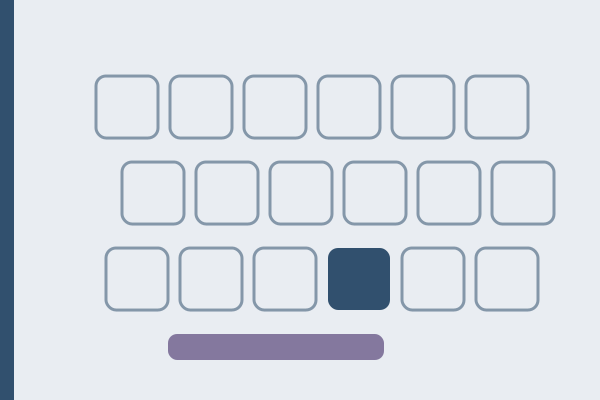
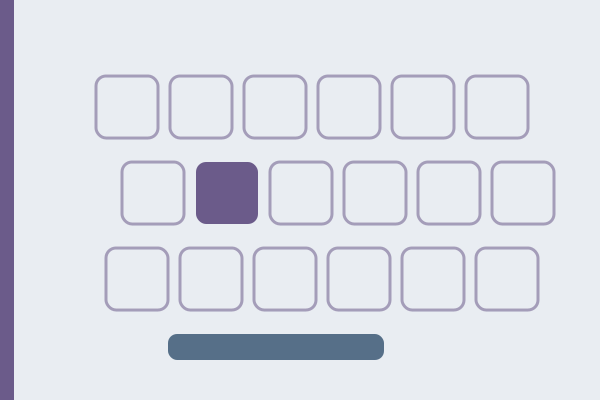
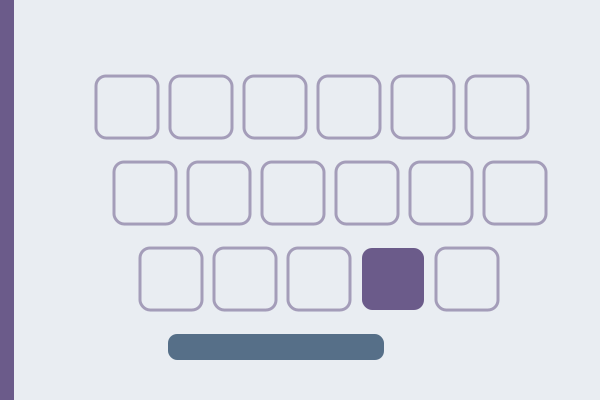
A dead key and a broken key look identical in a text box and completely different in a key test. A browser reports two separate things about one press: the physical position of the switch, the moment it closes, and the character, which for a dead key is the word Dead. Keys&Type reads the position first, so a dead key lights its cell here while a text field stays empty.
1. Press the suspect key in the keyboard test. A cell that lights up means the switch and the cable are fine, and the behavior belongs to the layout. 2. Press the key, then the space bar. A bare accent mark proves the key is dead by design. 3. Check which layout your system has active. An apostrophe that combines with the next vowel means the layout changed to United States International, usually by an accidental shortcut. 4. If the cell stays dark in every layout and in another program, the fault is physical. Clean the board, then test again.
Three symptoms are hardware rather than layout: a key that needs a harder press than its neighbors, a key that repeats twice on one press, and a key that lights its cell only sometimes. Dead keys behave identically every time, and they are never silent in a physical key test.
Who should keep dead keys, and who should not
Keep them if you write French, German, Portuguese or Spanish on hardware sold for that language. The accents sit under the home fingers instead of behind a menu, and the two-key rhythm turns invisible within a week. Keep them as well if you write in several languages on one machine: that is the job United States International was built for.
Skip them if you write code all day. Apostrophes and quotation marks are structural characters in most programming languages, and a layout that pauses on both of them costs more than the accents return. Skip them for Polish too, where the programmers layout reaches every accented letter through AltGr with no waiting.
Where to start: find out what you already have. Press the suspect key in the keyboard test, then press it again followed by the space bar. Two presses tell you whether this is a layout, a habit or a fault. On a Mac the mechanism differs, and Apple documents the Option key sequences for accents.
FAQ
How do I type ê on a French AZERTY keyboard?
Press the key immediately to the right of P, release it, then press e. Nothing appears after the first press, and that is correct. Shift is needed only for the capital: the same key followed by Shift and E gives Ê.
Why does my apostrophe print nothing until I type the next letter?
Your active layout is United States International, where the apostrophe arms an acute accent. Follow it with the space bar and the apostrophe appears alone. Follow it with a letter that has an accented form and the two combine, so D’Artagnan can come out as DÁrtagnan.
How do I get the accent mark on its own?
Press the dead key, then the space bar: the circumflex key then space gives ^, the tilde then space gives ~. Most layouts also print the bare mark when the following letter has no accented form.
Which layouts have no dead keys at all?
Only the plain United States layout. The Polish programmers layout comes close, because its nine accented letters all sit on AltGr, but Shift with the grave key is a dead key there.
Can I switch dead keys off?
Not within a layout, but changing layout takes seconds and alters nothing physical. The plain United States layout has none, and Linux desktops ship a variant of United States International with the dead keys disabled.
Passages that put the apostrophe to work
Punctuation gets easier to trust once you have written a passage that leans on it. The Milkmaid and Her Pail by Aesop, in George Fyler Townsend’s wording of 1867, is a single quotation of 492 characters that opens on a curly quotation mark and closes on its partner. April in England, from Robert Browning’s Home-Thoughts, from Abroad of 1845, fits an apostrophe or a hyphen into almost every line of its 251 characters. She walks in beauty, written by George Gordon Byron in 1814 and published the following year, spells mellow’d and o’er across 437 characters. All three are in the typing test, with author, year and source.